Podman Desktop on Mac: Fixing the krunkit Error and Ditching Docker Desktop

How I set up Podman Desktop on Mac, fixed the krunkit error on Apple Silicon, and adapted our project's justfile to support both Docker and Podman.
If you’ve read my previous article on migrating from Docker to Podman, you already know I’m sold on Podman. In my new role we were setting up a project and discussing container tooling. A colleague mentioned he’d had trouble getting Podman to work on Mac, and that was reason enough to pay for Docker Desktop. Challenge accepted! Here’s a short tutorial on getting Podman Desktop running on MacOS, plus how I modified our project’s justfile to support both Docker and Podman transparently.
The krunkit error on Apple Silicon
After installing Podman and Podman Desktop (brew install podman && brew install --cask podman-desktop), I opened Podman Desktop and followed the onboarding wizard.
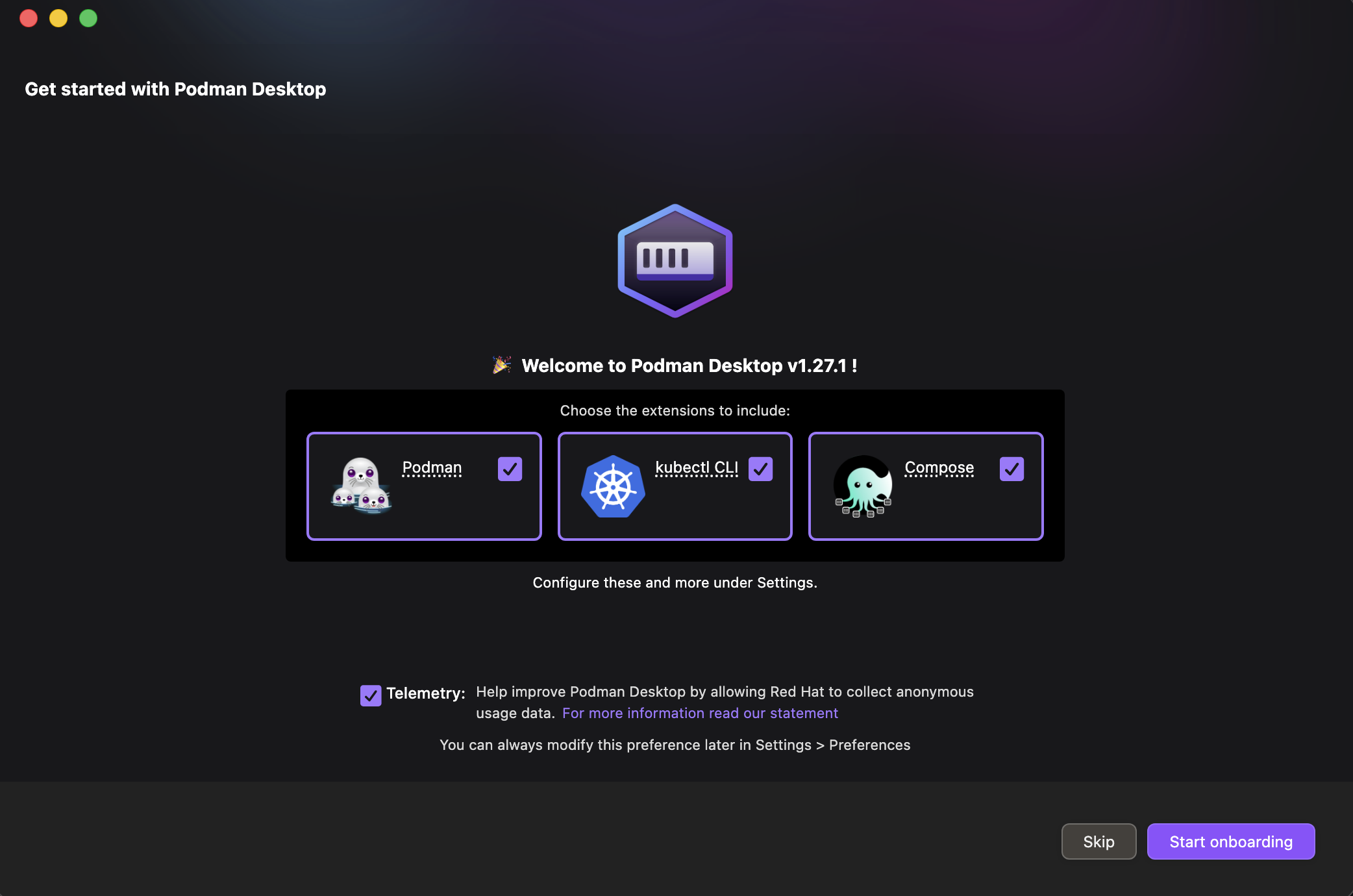
On my first run I got an error: Command execution failed with exit code 125 in podman-desktop. That’s the generic error message for a command that failed to execute. So back to the terminal to figure out what went wrong.
podman machine start --log-level debug
Amongst the output, it showed: Error: exec: "krunkit": executable file not found in $PATH. This one I had to google: Podman Desktop 1.19+ defaults to krunkit on libkrun on Apple Silicon because it enables GPU passthrough for local LLM/Vulkan workloads.
I don’t need that. I’m neither doing LLM development nor planning to use GPU in containers. And even though krunkit is supposed to be the shiny new way to run containers on Apple Silicon, I’d rather go for boring tech proven to work reliably. Especially in work contexts. So I opted not to install either and switched to applehv.
podman machine stop
podman machine rm podman-machine-default --force
export CONTAINERS_MACHINE_PROVIDER=applehv
podman machine init
After the init completed:
Machine init complete
To start your machine run:

        podman machine start
Entering podman machine start in the terminal, the final output was Podman telling me that it was starting my machine and that I had configured it to run in rootless mode. Meaning that I could only run containers that didn’t require root permissions.
Caveat: If you need the default Docker API socket address, you’ll need to install the podman-mac-helper service as a one-time setup. I didn’t need it, so I skipped this.
The last thing to do was to persist the provider configuration by adding
[machine]
provider = "applehv"
to the .config/containers/containers.conf file.
Making sure the project works with both Docker and Podman
When I followed my colleague’s note to bring up our backend services the justfile was hardwired to use Docker. Which was fine. I’d have written it like this myself. But I wanted this to work for myself with Podman, and I wanted to spare my new colleagues the hassle. And since Podman is almost entirely compatible with Docker it’s just a matter of substituting the binary name.
container := env_var_or_default("CONTAINER_ENGINE", `\
    if command -v docker >/dev/null 2>&1; then echo docker; \
    elif command -v podman >/dev/null 2>&1; then echo podman; \
    else echo ""; fi`)

_check:
    @test -n "{{container}}" || (echo "Neither docker nor podman found" && exit 1)
This will allow you to use {{container}} in your justfile to get the name of the container engine. So instead of docker run you then use {{container}} run and the command will work with either Docker or Podman.
That’s it. The whole setup took less than an hour, most of it spent googling the krunkit error. My colleague still isn’t convinced, but at least I am not stuck with Docker Desktop. ;)